Features Screenshots Download Guide ⬇ Download
Desktop App · Windows · Free

Know YourBattlefield.

Advanced stats tracker for World of Tanks. AI-powered replay analysis, economy tracking, built-in game guide and event alerts — all in a native Windows app.

Works offline
Needs internet
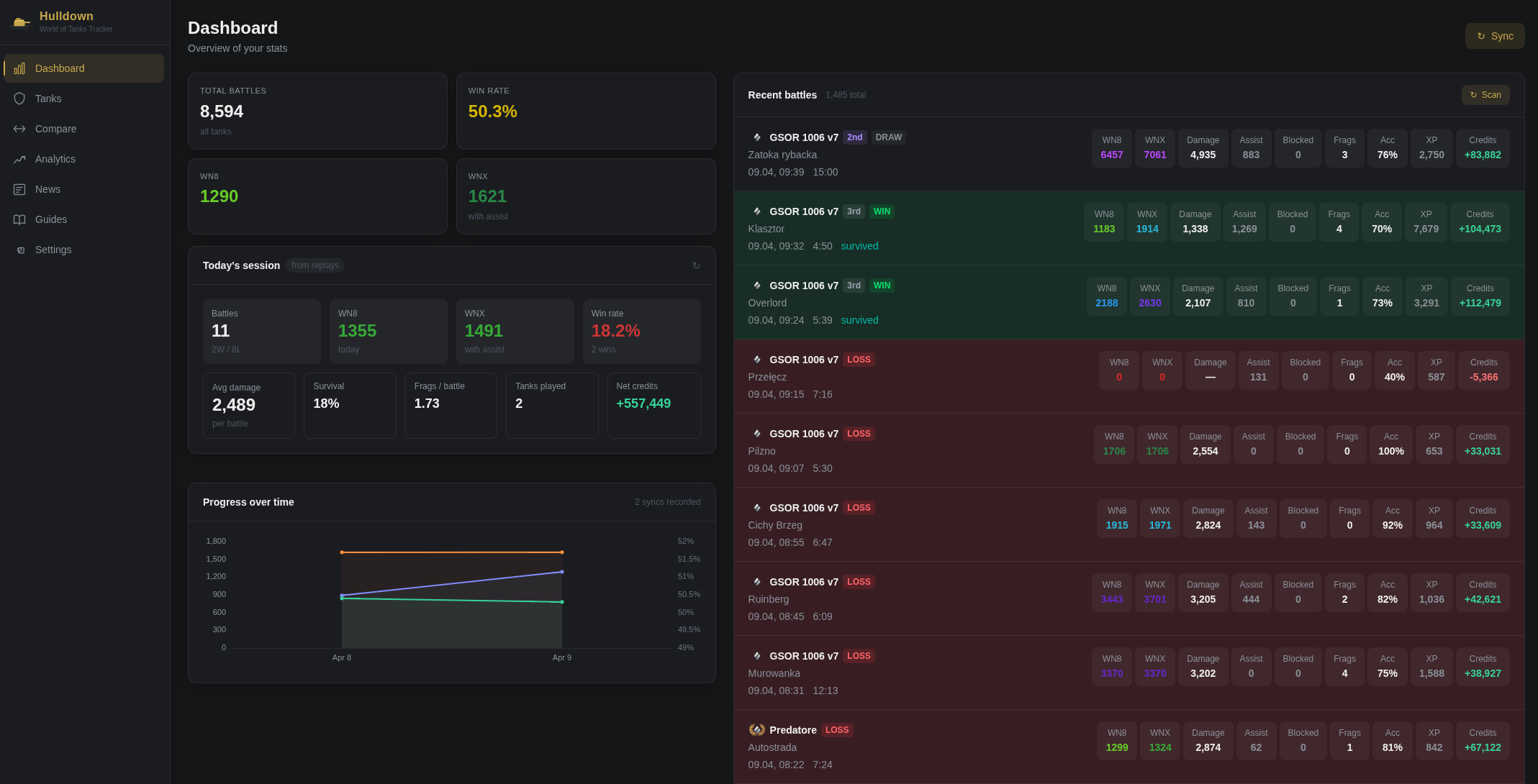
📊Player & tank statistics
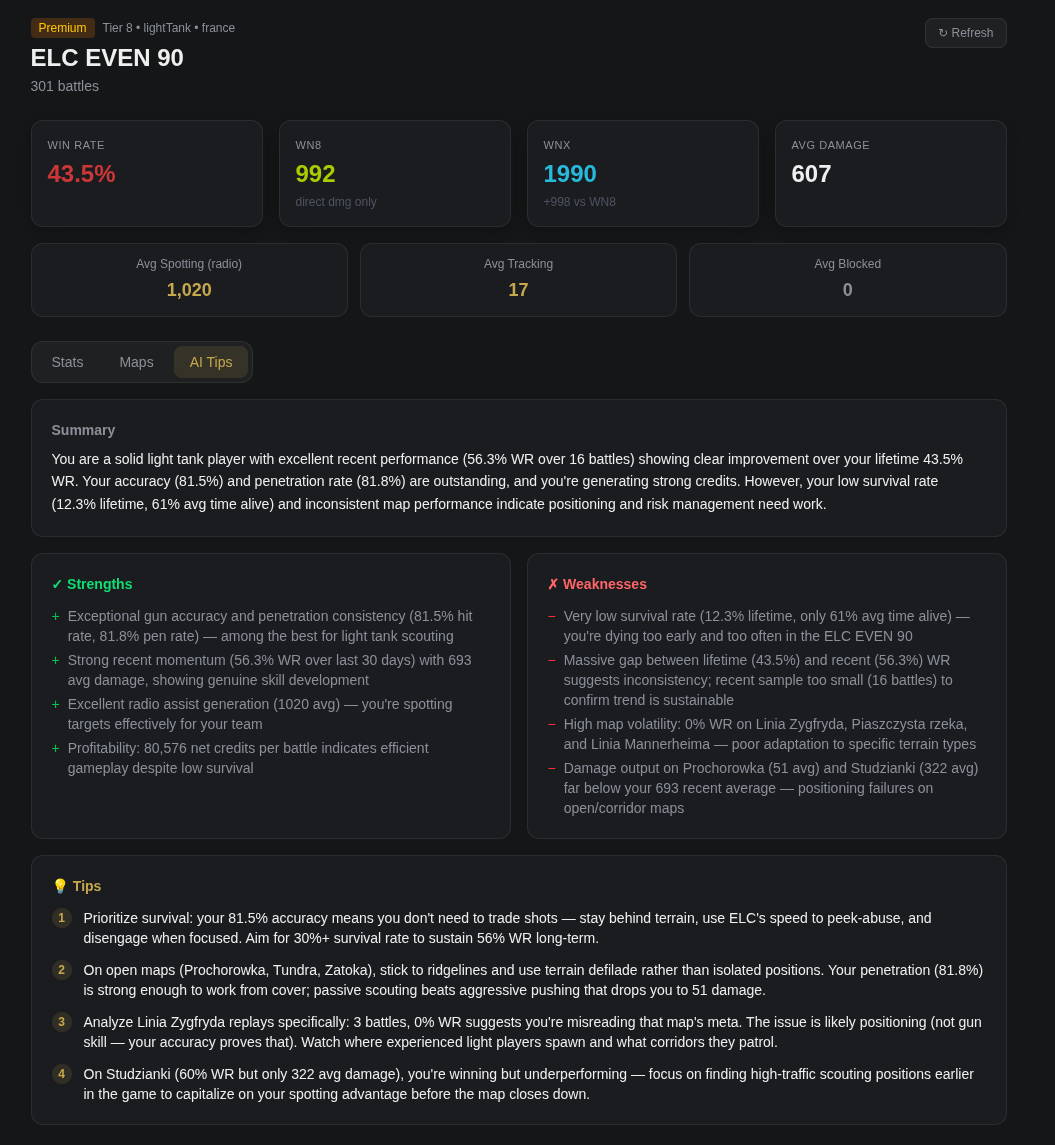
~🤖AI Battle Tips
🕹️Battle history & replays
~📅Live event data
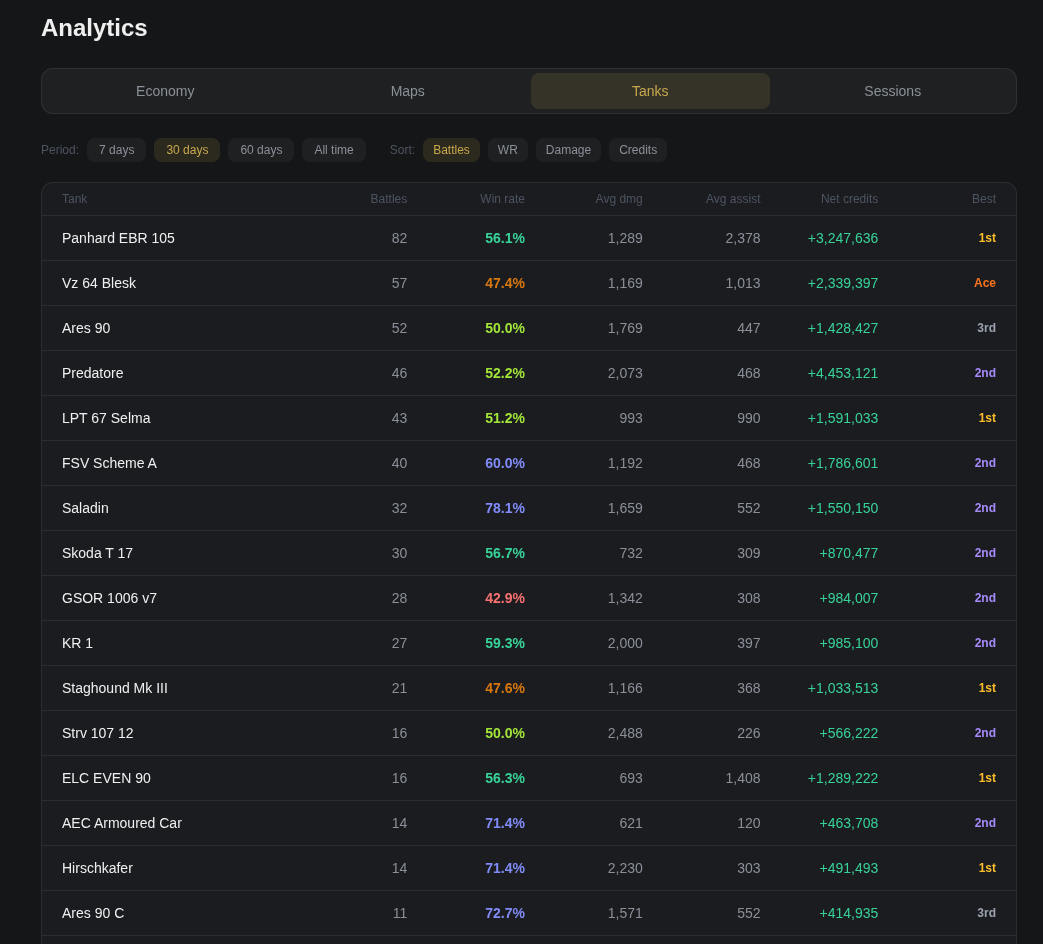
💰Economy tracker
📖Guides & mechanics
Hulldown AI Tips
AI Tips
AI
AI Battle Tips
100%
Offline Stats
Free
No Subscription
Win
Windows 10/11
01 /

Features

📊
Player Statistics

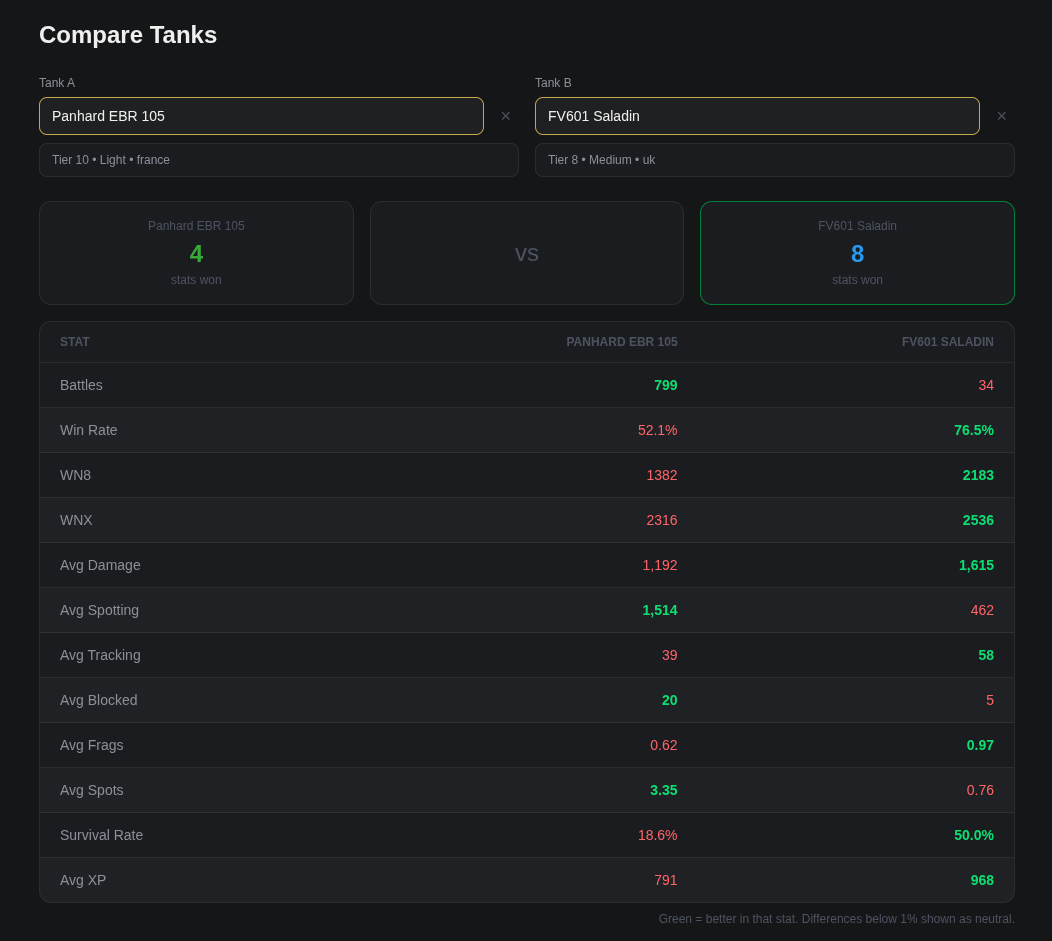
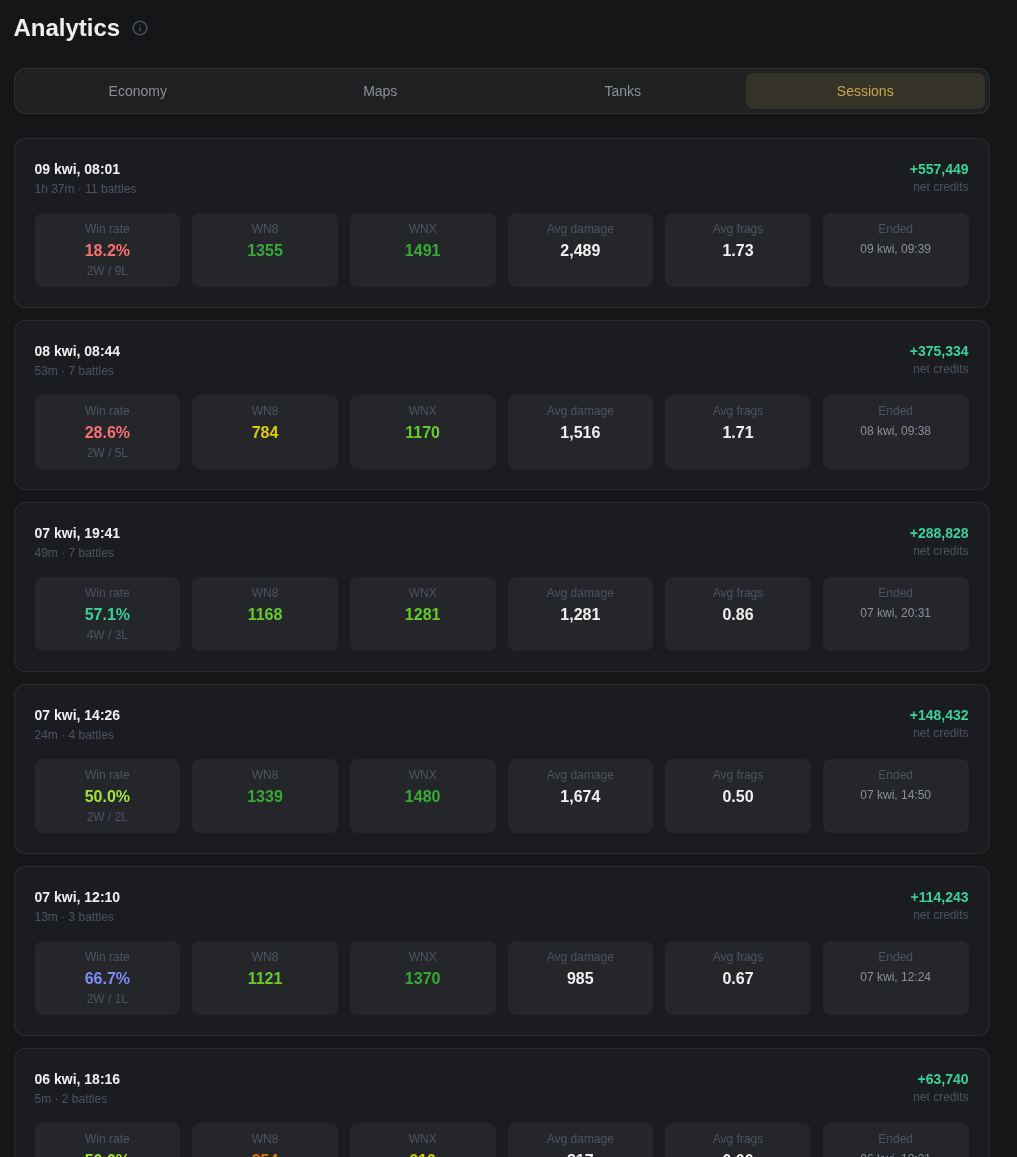
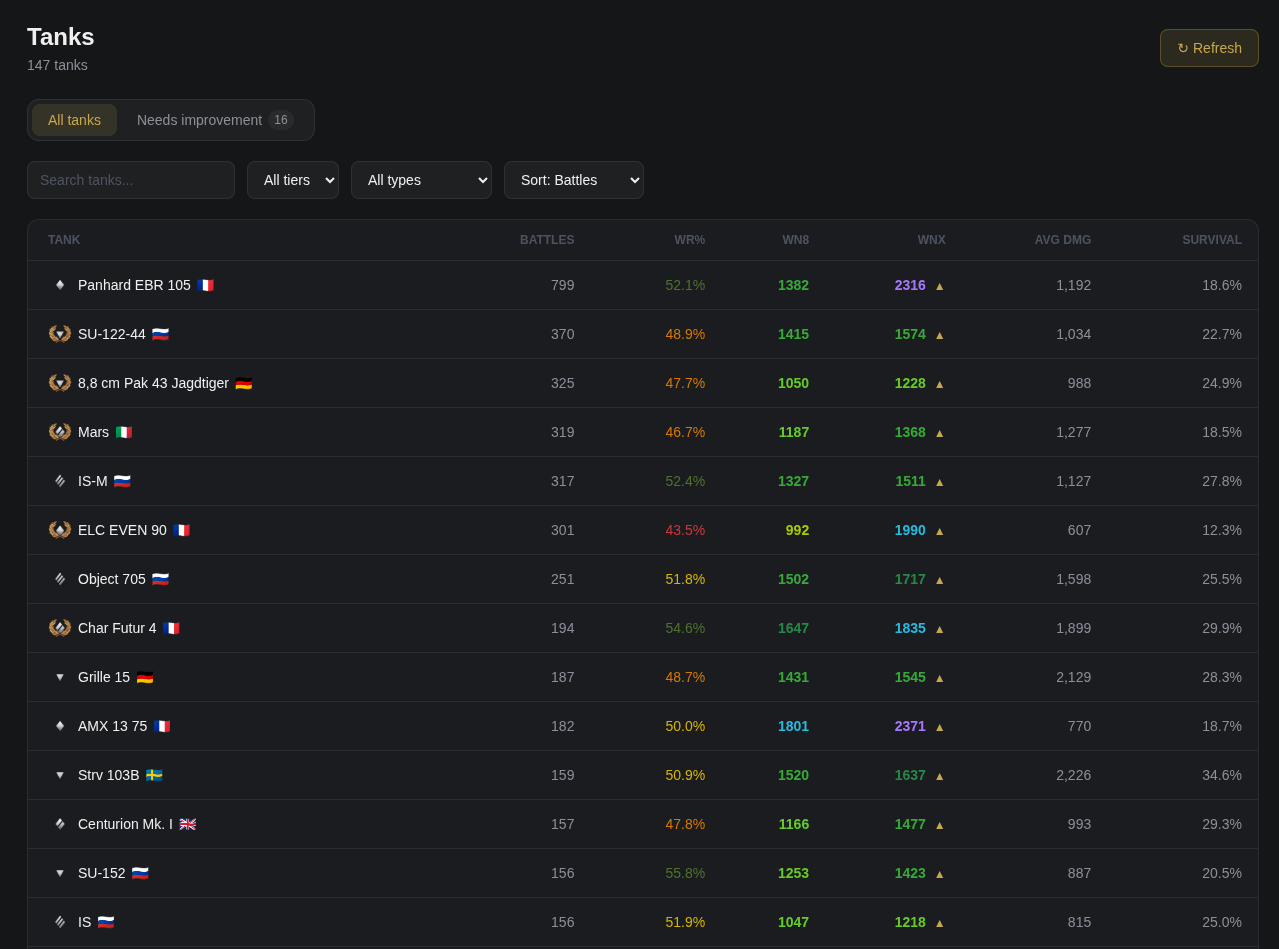
WN8, WNX, win rate, average damage, spotting and blocking tracked per tank and per session.

💰
Economy Tracker

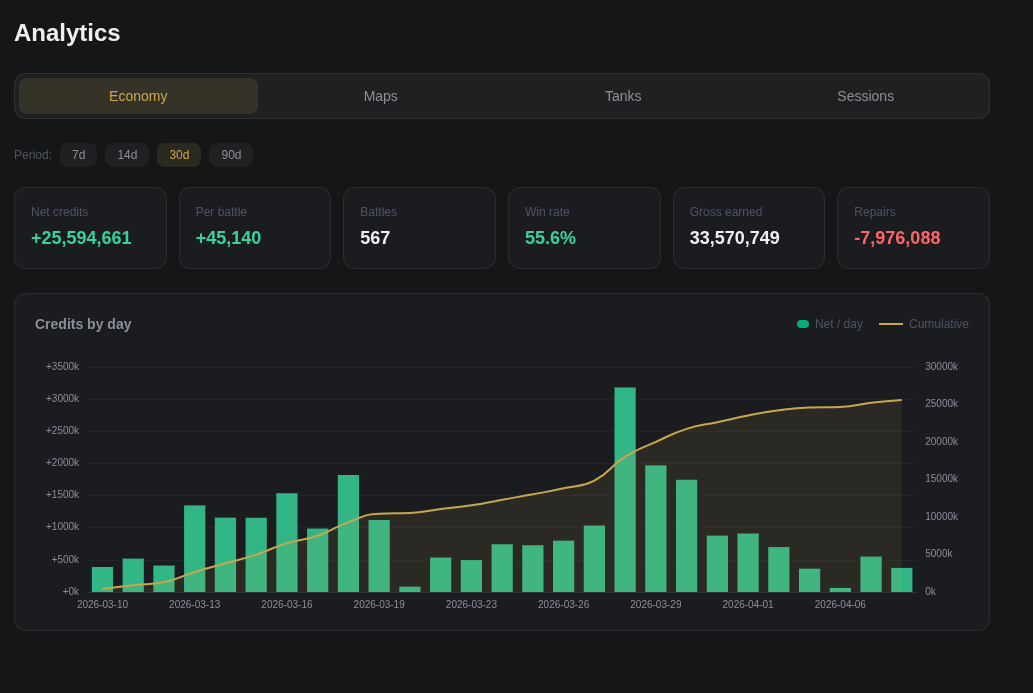
Credits earned charted over time. Filter by 7, 14, 30 or 90-day windows.

📖
Guides & Mechanics

Core WoT mechanics explained in plain language.

📅
Event Tracker

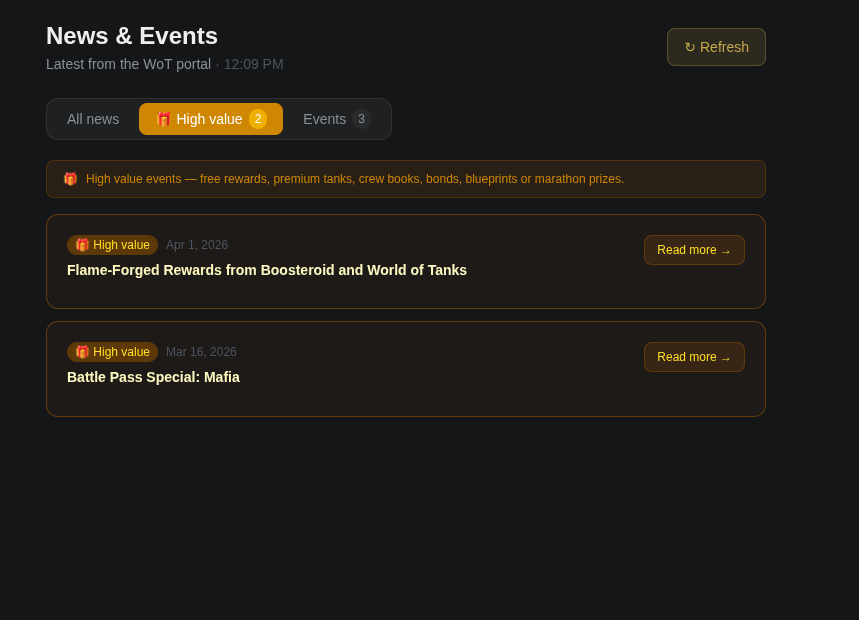
Active and upcoming in-game events listed automatically. Free reward events are specially highlighted.

02 /

Screenshots

AI Tips
AI Battle Tips
Economy Analytics
Economy Analytics
Battle History
Battle History
Guides & Mechanics
Guides
03 /

Download

Hulldown for Windows
Windows 10 / 11 64-bit Free
⬇ Download .exe
04 /

Getting Started

01
Download & Install

Download the .exe installer and run it.

02
Set Your Replays Folder

On first launch, point the app to your WoT replays directory.

03
Explore Your Stats

Hulldown reads your replay files and populates stats automatically.

04
Get AI Tips

Open any tank's detail view and go to the AI Tips tab.

💡

One-time setup only. Make sure Enable replays is turned on in your World of Tanks game settings.